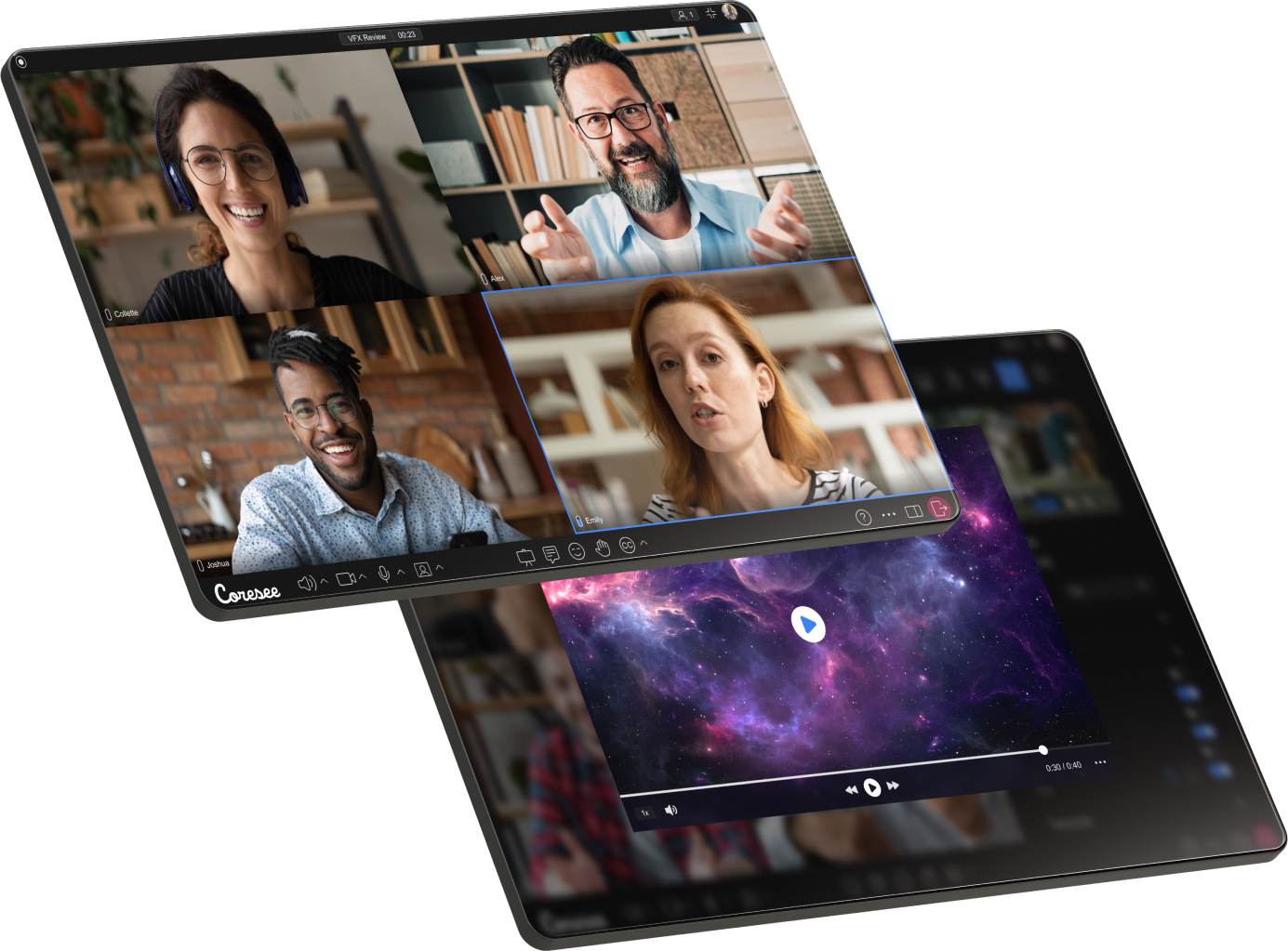
A Coresee room is a persistent, private space for video collaboration. It's where your meetings happen — but it's more than just a meeting. A room holds your files, recordings, participants, and settings between sessions, so everything is ready the next time you meet.
Think of a room less like a one-off video call and more like a dedicated workspace. You create it once, configure it the way you want, and use it repeatedly with the same people and the same media — without needing to set anything up again each time.
Rooms live on your account and are accessible from the homepage at any time, whether or not a session is active.
Rooms are persistent
Unlike a video call link that disappears after use, a Coresee room stays on your account indefinitely until you choose to close it.
Between sessions, the room retains everything that was there before:
- Uploaded files and media
- Recordings from past sessions
- Your participant list and their roles
- Branding and appearance settings
- Room configuration (access controls, dial-in, expiry)
- Chat history
This means you can prepare a room in advance — uploading assets, configuring settings, inviting participants — and everything will be exactly as you left it when the session starts.
What's inside a room
Every room is a self-contained workspace. Here's what it holds.
Roles
Every person in a room has a role. Roles determine what they can see and do — both during a live session and from the homepage.
Need additional support?
Our support team is available to assist you with any questions or concerns you may have. Feel free to reach out by emailing us at help@coresee.com
Was this article helpful?
That’s Great!
Thank you for your feedback
Sorry! We couldn't be helpful
Thank you for your feedback
Feedback sent
We appreciate your effort and will try to fix the article