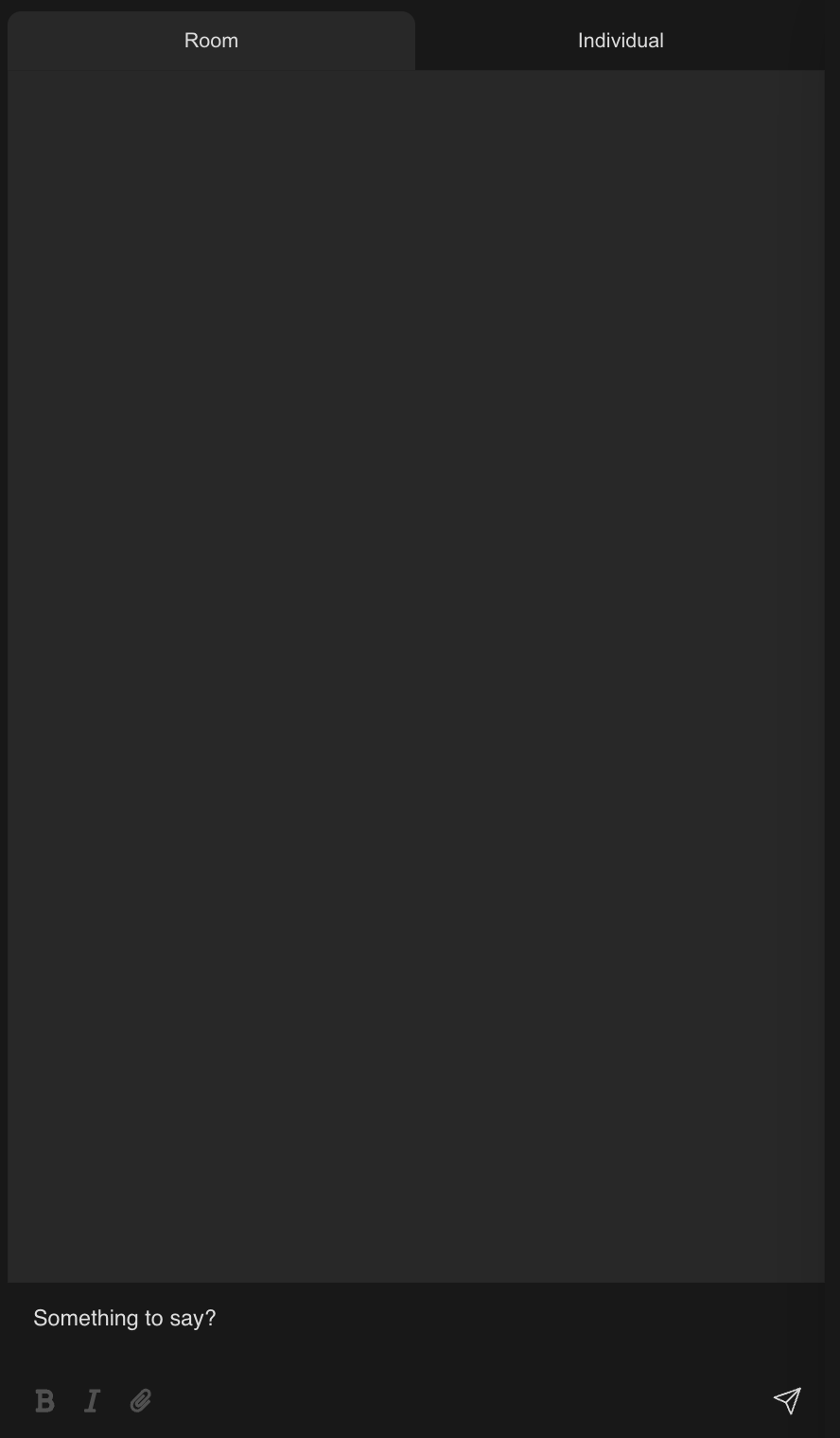
Coresee rooms include two types of chat: a shared room chat visible to everyone in the session, and private chat for one-on-one direct messages between participants.
Chat is available to all participants in a room, regardless of role. The chat panel is accessible during a live session from the bottom bar.
Room chat
Room chat is a shared group conversation available to everyone in the session. All messages are visible to all participants as long as they are in the room.

Private chat
Private chat lets you send direct messages to individual participants. Messages are only visible to you and the person you're messaging — they do not appear in the shared room chat.
Need additional support?
Our support team is available to assist you with any questions or concerns you may have. Feel free to reach out by emailing us at help@coresee.com
Was this article helpful?
That’s Great!
Thank you for your feedback
Sorry! We couldn't be helpful
Thank you for your feedback
Feedback sent
We appreciate your effort and will try to fix the article